For SOPs and sign-off
Put the steps and sign-off in the same document.
Put the purpose, the steps and the sign-off together. Review a fixed copy, record who approved it, and see what changed before the next revision.
Windows 10 & 11 / Local library / No account to start
New starter onboarding
A clear set of steps, with the context to get it right.
Check the prerequisites
Start in the workspace shown below.
Complete the procedure
Reviewed by Sam Lee
sam@example.com · 22 Oct 2026
Make a guide for
Employee onboardingPurchasing proceduresRecurring process reviewsCapture the work. Keep the context.
A procedure with a record behind it.
Make the process clear. Make the approval visible. Open the guide in Thoth to edit the instructions, mark up the screenshots and prepare the version you want to share.
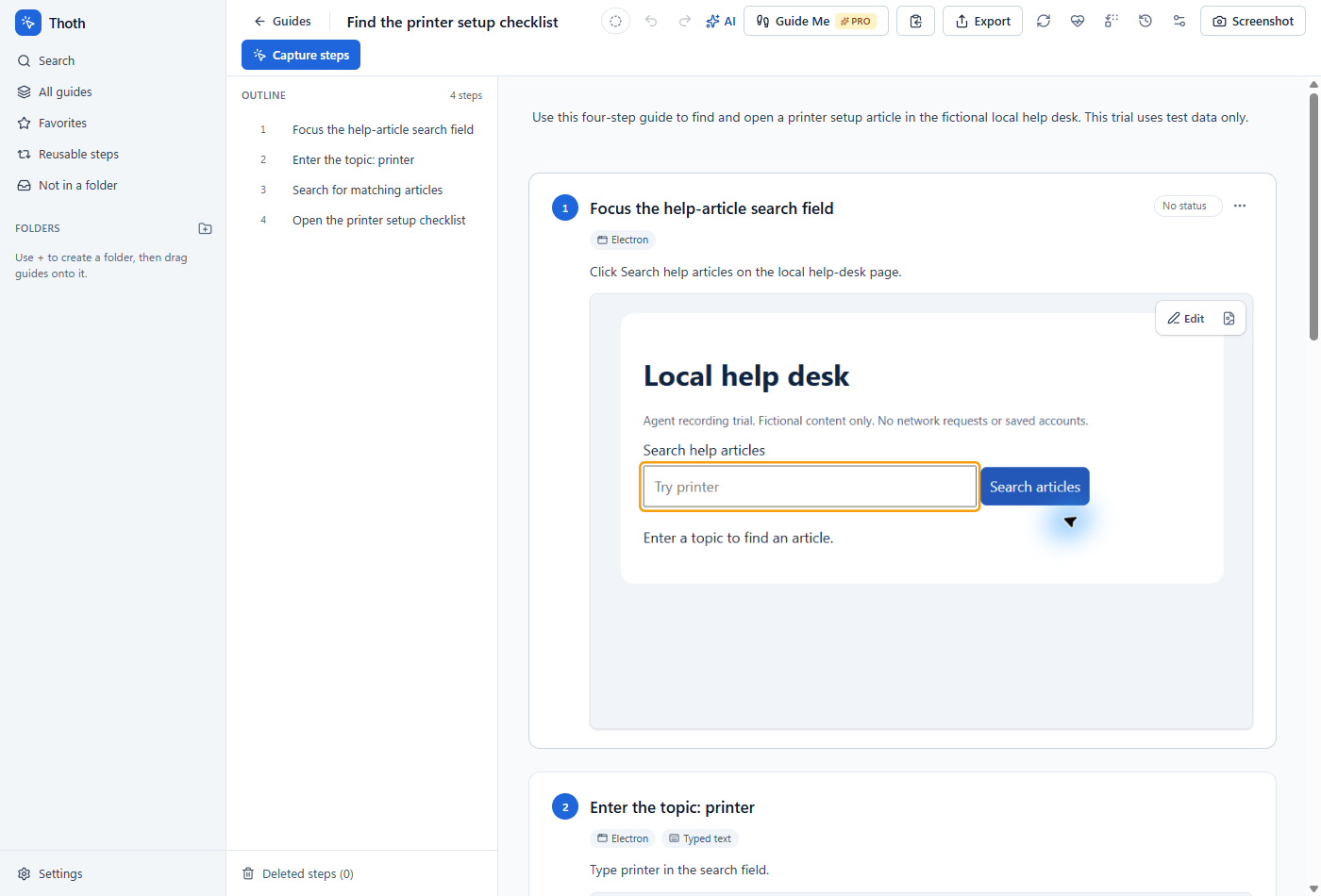
The steps and the approval record travel together in the SOP document.
Real editor and PDF export. Fictional help desk, sample information.
From the first draft to sign-off.
A typical workflow for sops and sign-off, from the first capture to the next update.
- 01
Write the procedure around the steps
Add the SOP details and choose a document design with the sections your process needs, including revision history and approval.
- 02
Send a copy for approval
With Pro and a connected Thoth account, email a private review request. The reviewer signs in with the requested address and can approve or request changes.
- 03
Keep a record of what was approved
The SOP records the reviewer name, email and approval date. Changes after approval are flagged, and the app can compare the guide with its saved approved revision while that version is retained.
For the work you explain more than once